
Current Version:

1.3.2 (06.08.2009)

Download:

appstore

System Requirements:

Fritz!Box Fon:
7270, 7170, 7150, 7050, 5050, and more ...

iPhone / iPod Touch:
from Firmware 2.0

Localized in:

Localized in German Localized in English Localized in Dutch Localized in Turkish

Dial!Fritz Mobile Edition - Now also for the iPhone / iPod Touch.

Dial!Fritz Icon

Dial!Fritz Mobile Edition.
Do you still dial or do you already call?

Dial!Fritz - Mobile Edition is the Call Manager for the iPhone and the iPod Touch, in connection with the Fritz!Box Fon of AVM.

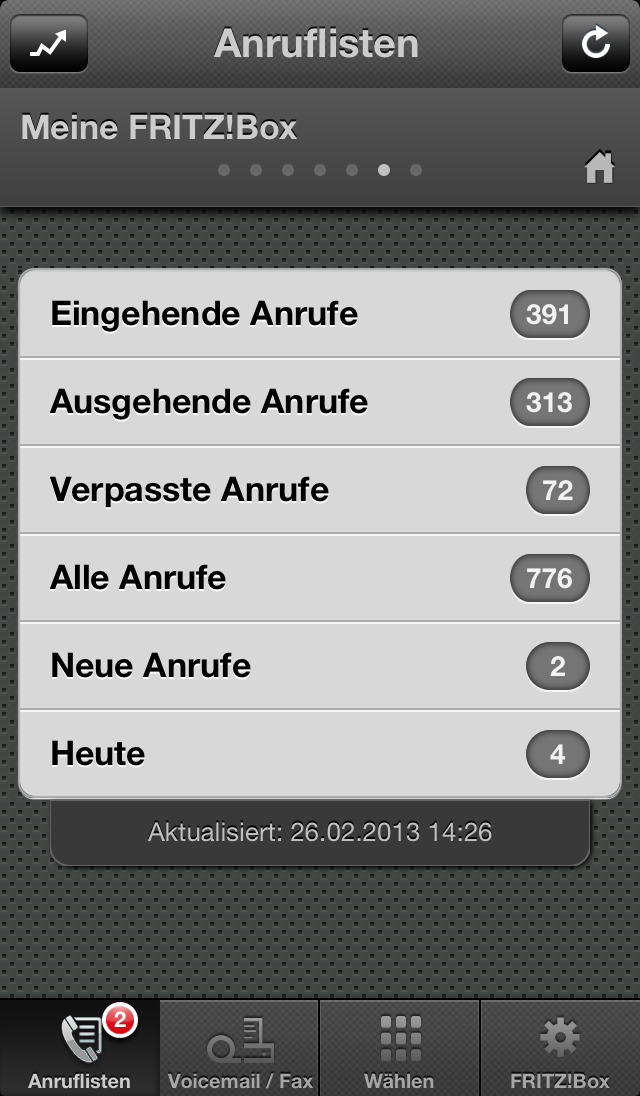
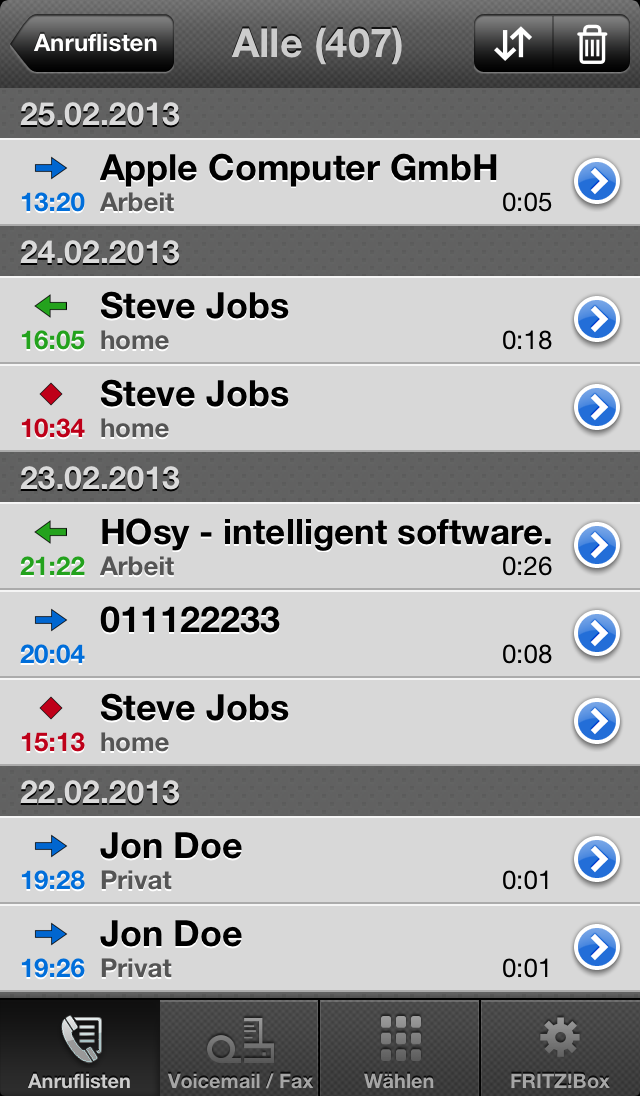
Alle Anrufe Alle Anrufe Anrufliste Wählen Einstellungen

image

Click for demo on iPhone
 
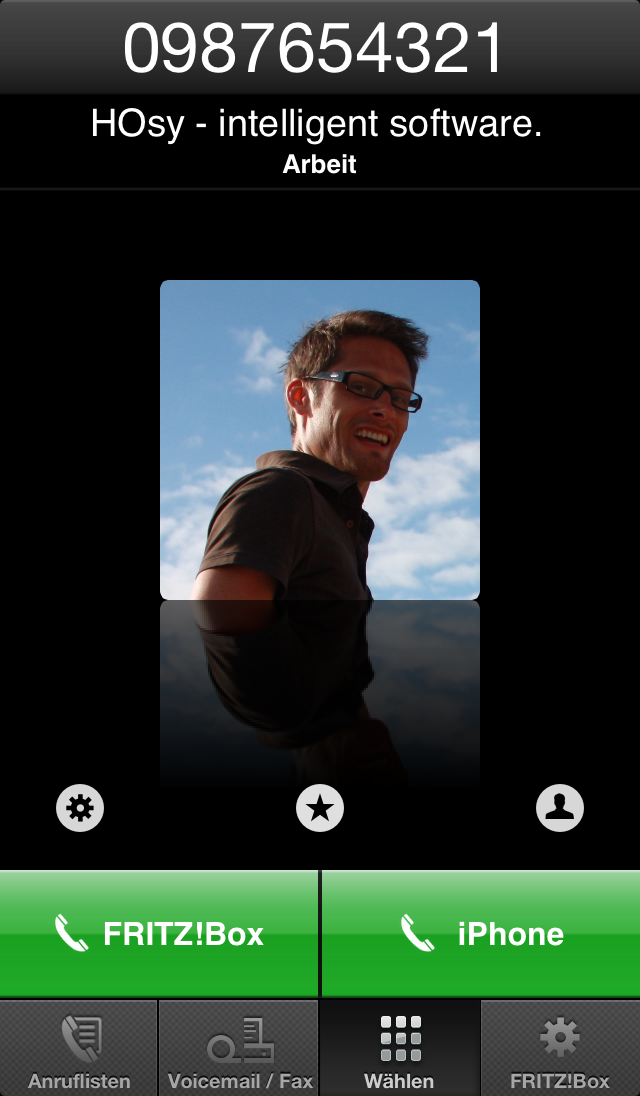
Incoming callings are displayed at the iPhone / iPod Touch with caller details from your contacts.
With Dial!Fritz ME you have besides the possibility to display the calling list from the Fritz!Box, search it and start calls from it.
Many further functions make Dial!Fritz ME to a perfect mobile companion.
NEW in Version 1.1: Get your current callinglist on the go!
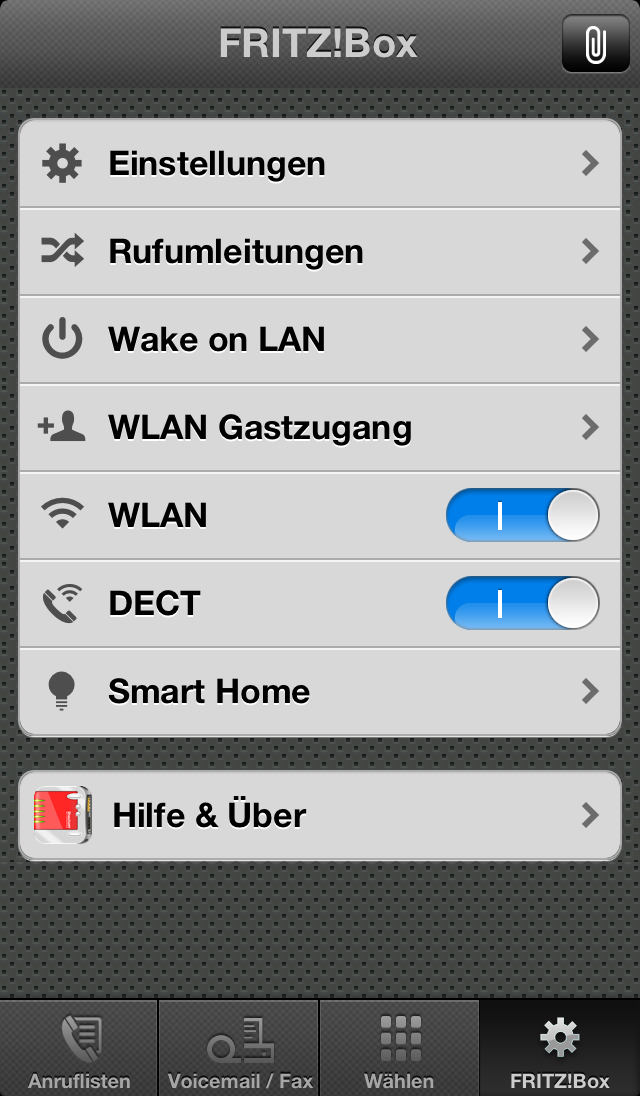
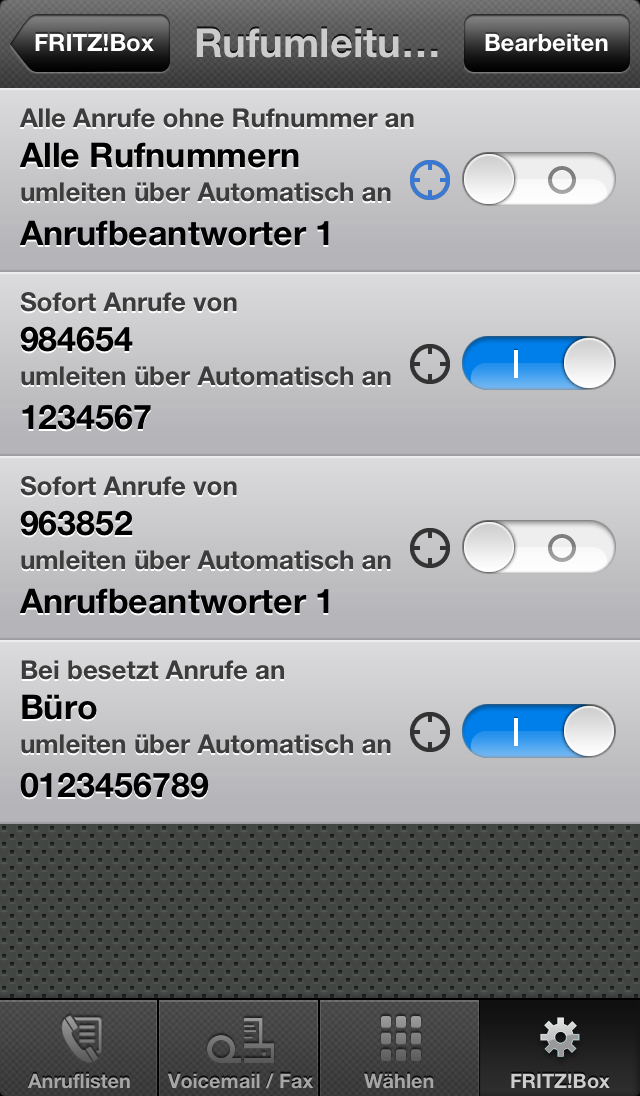
NEW in Version 1.2: Display and enable / disable the Fritz!Box Call Diversities!

Dial!Fritz is localized in English, Dutch and German.

Short review of some functions of Dial!Fritz:

Callinglist

The calling list will be autmatically reloaded after a call finished. These can be browsed by grouped categories. If the contact is in contacts, the name will be displayed.
The callinglist can also refreshed from outside of your network with Edge, 3G or Wi-Fi.

Call dialog

In the call dialog you can search for contacts in the Address Book, type call numbers by keyboard, and choose some options, e.g. the outgoing line, call number.

Call monitor

The call monitor shows all in and outgoing calls with information details, like detailed telephone number, caller name, contact picture and the called line.
Callings in absentness are displayed with the time-of-day.

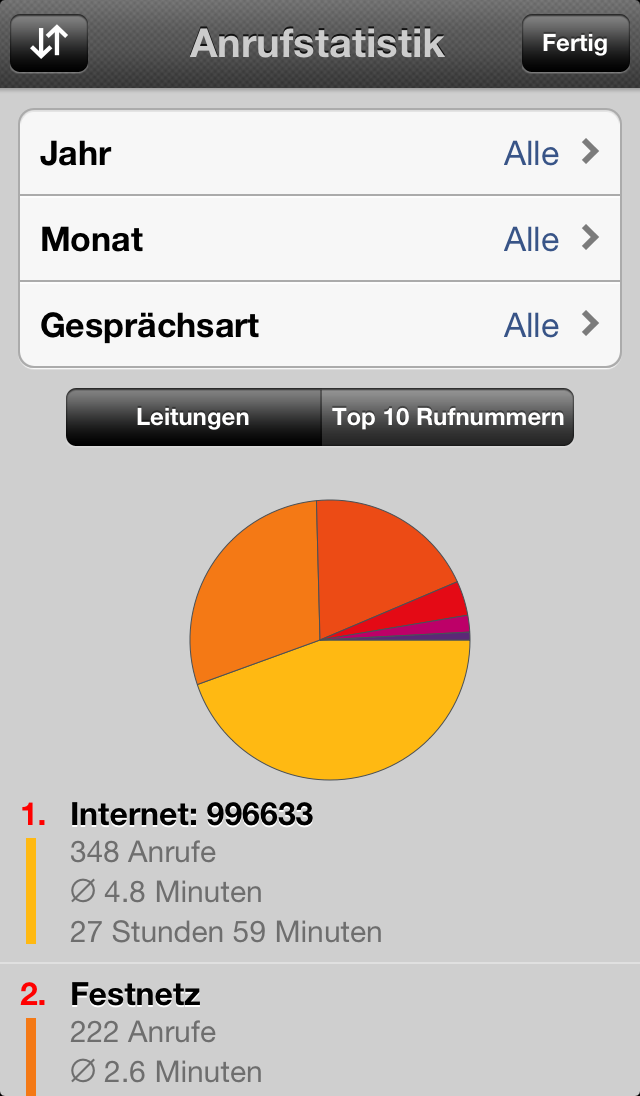
Overview accross another functions in Dial!Fritz:

 System Requirements:

AVM Fritz!Box Fon-Model (from Firmware xx.03.99)
iPhone / iPod Touch (from Firmware 2.0)
ATTENTION: Remote Access is by AVM only supported for Models up to 7170

You find the newest firmware for your Fritz!Box on the service portals on AVM.

Help:

If you need help, if you want to notify a bug or if you have a suggestions, please use the forum, so that I have more time for development. Anyhow you can use the contact form to send me a mail.
Please give me also your version of your operating system an your Fritz!Box model.

Dial!Fritz - Supporter

Logo
Dial!Fritz Icon
Thomas Pasiek
http://www.ars-informatica.de
Thomas Pasiek has made the design of the brandnew and pretty icon of Dial!Fritz.